Explore the complete millisecond journey of how browsers read URLs, locate servers via DNS, fetch resources, and translate code into visual interactive layouts.
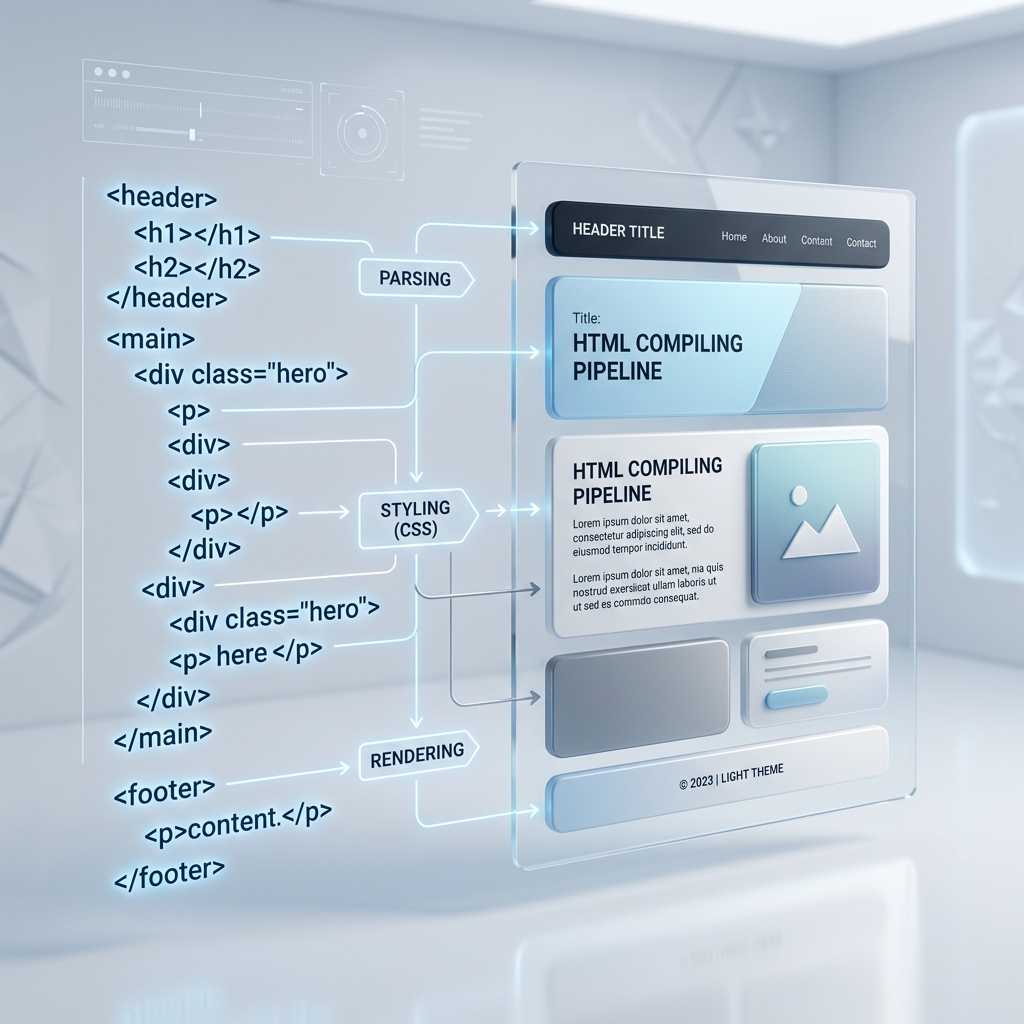
From entering a website link address to displaying the completed interactive page layout on your screen.
You type a web link (such as https://example.com) into the address bar. The browser reads the protocol (HTTPS) and target domain name.
The browser asks the Domain Name System (DNS) server to convert the text address into a numeric server IP address.
The browser establishes a secure connection to the server IP and requests the HTML code files. The server sends back raw text coding files.
The rendering engine parses the HTML tags into a Document Object Model (DOM) tree, parses CSS styles into a CSS Object Model (CSSOM) tree, compiles them together, and paints the layout coordinates on your screen pixels.
Understanding the division of labor in modern webpage construction.
HTML (HyperText Markup Language) defines all structural nodes: paragraphs, buttons, forms, lists, headings, and images. It tells the browser what content should exist on the webpage.
CSS (Cascading Style Sheets) controls visual presentation: spacing layout, display properties, colors, borders, grid sizes, and responsive alignments. It determines what the webpage looks like.
JavaScript adds interactivity: tab switches, collapsible accordion animations, forms input validations, search modal toggles, and live diagnostic updates. It defines how the webpage behaves.
| Term | Definition |
|---|---|
| DNS (Domain Name System) | The internet's directory. It translates readable website domain links (like google.com) into numeric IP addresses (like 142.250.190.46) so the browser knows where to request files. |
| DOM (Document Object Model) | A structured node tree model created by the browser parsing HTML code. It represents all visual elements, text paragraphs, and structural layouts on the page. |
| CSSOM (CSS Object Model) | A helper tree generated by compiling CSS style sheets. It maps color schemes, typography sizes, grid settings, margins, and animation values onto the structural DOM nodes. |
| Rendering Engine | The core browser layout engine (like Blink in Chrome/Edge, WebKit in Safari, or Gecko in Firefox) that merges DOM and CSSOM to draw website pixels. |
The content provided on this page is for general educational and informational purposes only. Web browser interfaces, options, menus, and controls can appear differently or change over time depending on your device type, operating system, and the specific browser version you are running. Always refer to official browser developer documentation for exact settings locations.
Visit our Troubleshooting Library for deep dives regarding slow-loading website processes, extensions delay, and cache checks.